


*formerly ConvertKit
This writeup? I am definitely not procrastinating this writeup.
It is so easy to harp on tech, am’iright?
Thankfully, the things that bother me about Kit aren’t deal breakers – and one is a one-time, quick fixes that I just haven’t prioritized. (Still, when you’re considering a new tool, it’s nice to know what comes standard out of the box, and what you need to fiddle with yourself.)
So here be the things I hate or miss while using Kit:
Inability to search Automations
I can sort alphabetically. I can sort chronologically. I can view as a list. I can view as icons. But I cannot search my 51 automations. Whyyyyyyyy?
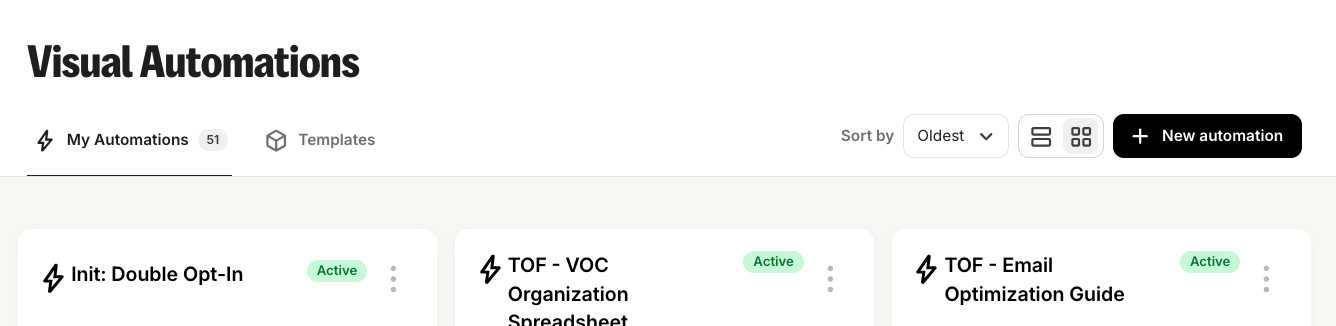
My workaround is a strong naming convention, courtesy of Jason Resnick, who did our migration. Also Command+F.
Inability to name Broadcasts (what Kit calls campaigns)
See the name of this Broadcast? It’s the subject line. Arrrrrrgh. Drives me nuts.
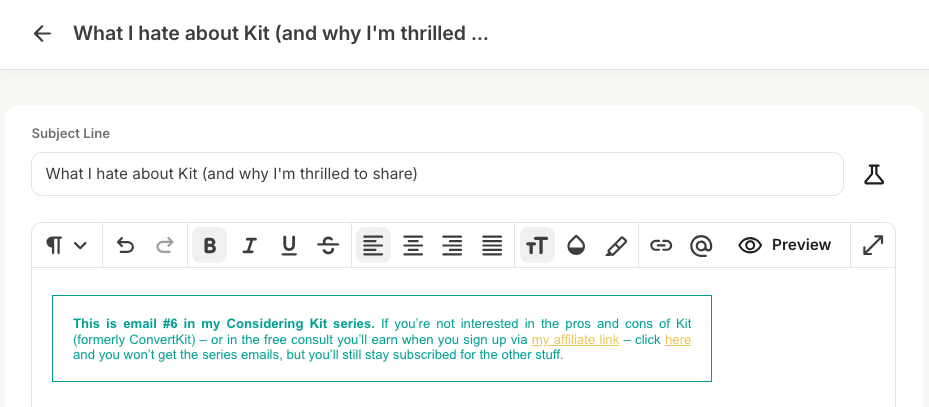
My workaround? You can add an ‘Internal note’ which is where we name them properly:
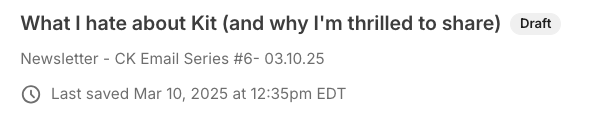
See how it shows up in small?
And at least Broadcasts are searchable:

Wow, have I only sent 78 campaigns?
One too many steps to send test email
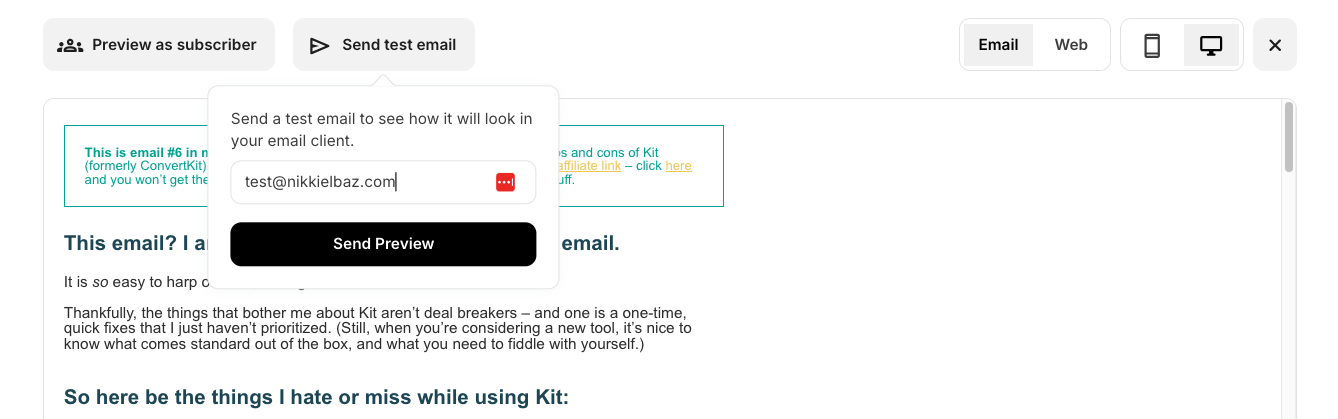
Only once you’re in the preview pane can you send a test email. It’s the only reason I go into the preview pane – I never feel the need to go in because it looks exactly the same as the editor. So much so, that I’m always trying to edit the email when I’m in the preview pane – and getting frustrated when it doesn’t work.
Thankfully, there are 2 prominent places that open the preview pane, so it’s not that annoying. It would just be so nice if I could hit “Send test email” instead of “Preview” and then “Send test email.”
Annoying link testing
This is actually a good feature, but I get annoyed at it anyway. When you test links, it doesn’t just direct you to the page – it sends you to a redirect page first.
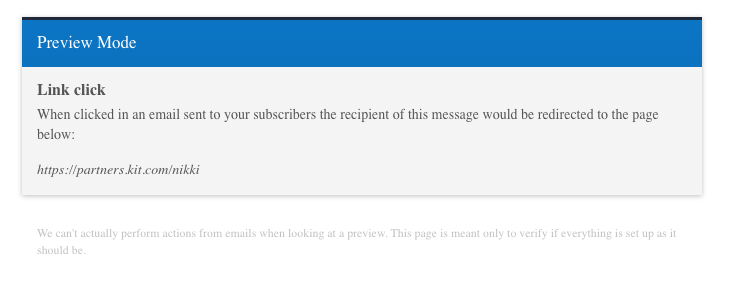
This is technically a better testing environment – plus it protects you from accidentally triggering automations or tags or whatnot that you set up as link triggers. Buuuut, I still find it annoying. I guess I find testing annoying.
Having to be super careful with Sequences
In Part 3, I raved that Kit bundles Sequences into Automations. The only flaw in this is that there’s no education around it. So the first time you use it, you have no idea anything is different and when you duplicate your automation, you assume the sequence duplicates too and you edit your sequence without a care in the world – and then wake up to an inbox full of confused subscribers who are getting the updated sequence that makes no sense in context of their automation.
You are now officially able to enjoy the benefits of Sequences because you will avoid its one flaw: no education on the fact that if you duplicate an Automation it doesn’t duplicate your Sequence.
(Note that the fact that it doesn’t duplicate is not the flaw – it can actually be useful. You just have to know how it works.)
Weird tracking and leading
I mentioned this in Part 3 too. The tracking and leading in my emails is a-w-f-u-l. This is the thing I need to prioritize. No one else I know using Kit has such ugly emails. I need to ask support for the code to fix this – but I also want to play around with templates.
Nitpicky: No triggering automations by time
If only, if only. Alas, no platform I know does this. Maybe Deadline Funnel or other launch-focused platforms. It would be soooo nice.
Questions?
Super. Read on for the Q+A.
(And if you’ve been using Kit and are like, “What? Nikki, you can totally search in automations,” PLEASE email me and gimme the deets.)
Don’t forget: free consult to set up or improve your email list
Sign up for Kit with my affiliate link, you’ll get a coupon code for a free 30-minute consult ($500 value). Use our time together to develop your content strategy… brainstorm offers… polish your welcome flow – or whatever else you need to make your email list work for you.
The links included are affiliate links and I’ll earn a commission if you purchase a plan. This costs you nothing extra, and you’ll earn a free strategy consult – woohoo!
Missed parts of the Considering Kit series? Here you go!